Free tools
Documentary effects
The effects that make a YouTube documentary look edited — one click, no keyframes.
Each tool takes one image and gives back a finished clip. The effect places itself: the highlighter finds the headline on the page, the 3D turn frames the photo around the faces. Pick a look from the previews, upload, and download the video as an MP4 or with a transparent background for your timeline.
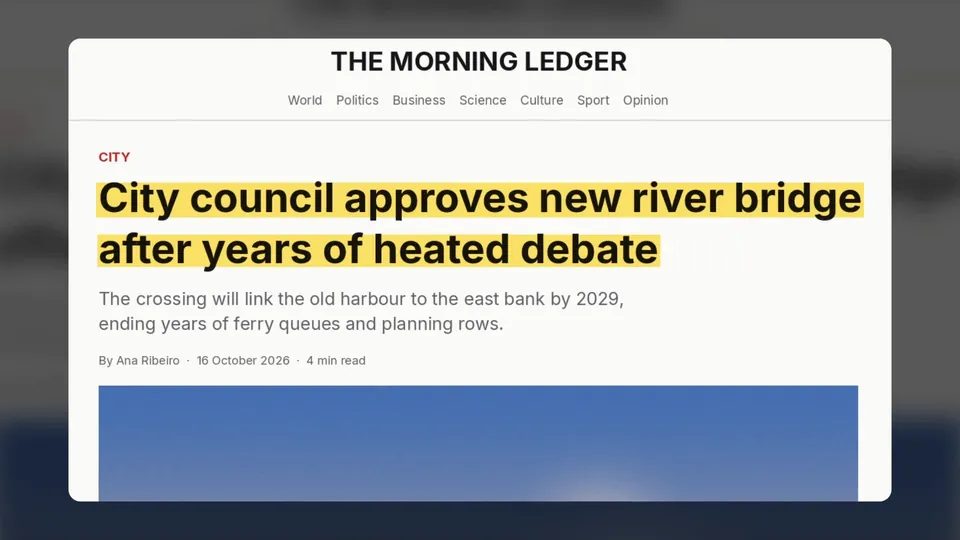 Headline highlighterA yellow marker sweeps across the headline of any article screenshot.
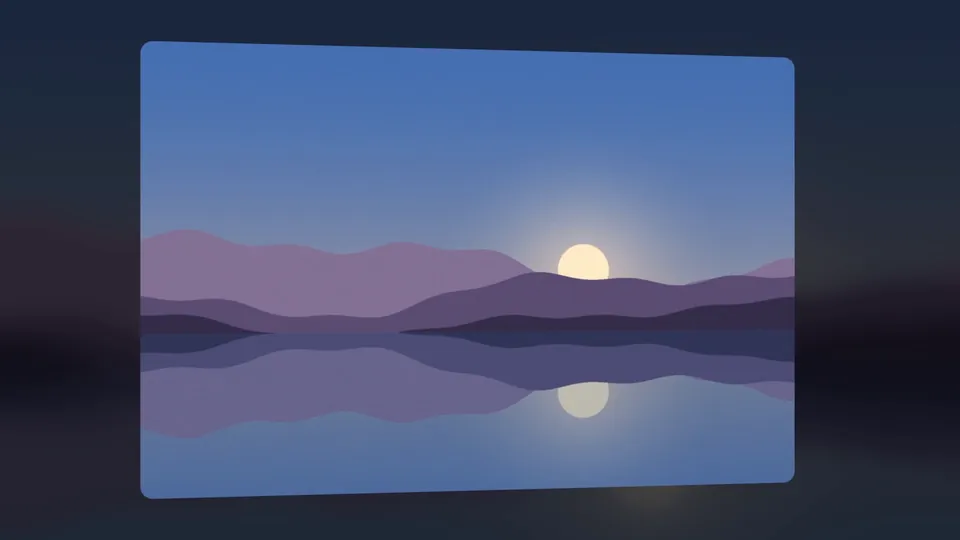 3D photo animationA still photo turns in front of a camera, framed around the faces.
How it works
- Pick a look
Every effect has a few finished styles. Watch them on our sample image and choose one.
- Upload one image
A screenshot or a photo. Nothing to mask, nothing to keyframe.
- Download the video
An MP4 ready to post, or a .mov with transparency to drop onto a timeline.
More free tools
Each tool makes one scene. Layro makes the whole video — the script, the voice, the footage and every effect, placed scene by scene.
Make a whole video